Your app idea does not need another course. It needs a working foundation.
Create your Lovable workspace, submit your idea, and I use HoldThat Systems’ private build process to create the initial foundation and transfer it directly to you — a clean project, no messy history, ready for you or for me to finish.
You never access my system. You hire the company powered by it.
You bring the idea
One clearly defined app, described in plain language through a structured intake.
I build it privately
The foundation is created inside my own environment using my internal build process.
You get a clean project
Remixed without project history and transferred straight into your Lovable workspace.
By application only
Foundations are built 1-on-1, so only a small number of build slots open each week. Creating your workspace through my link makes you eligible to apply — it is not an automatic or unlimited build.
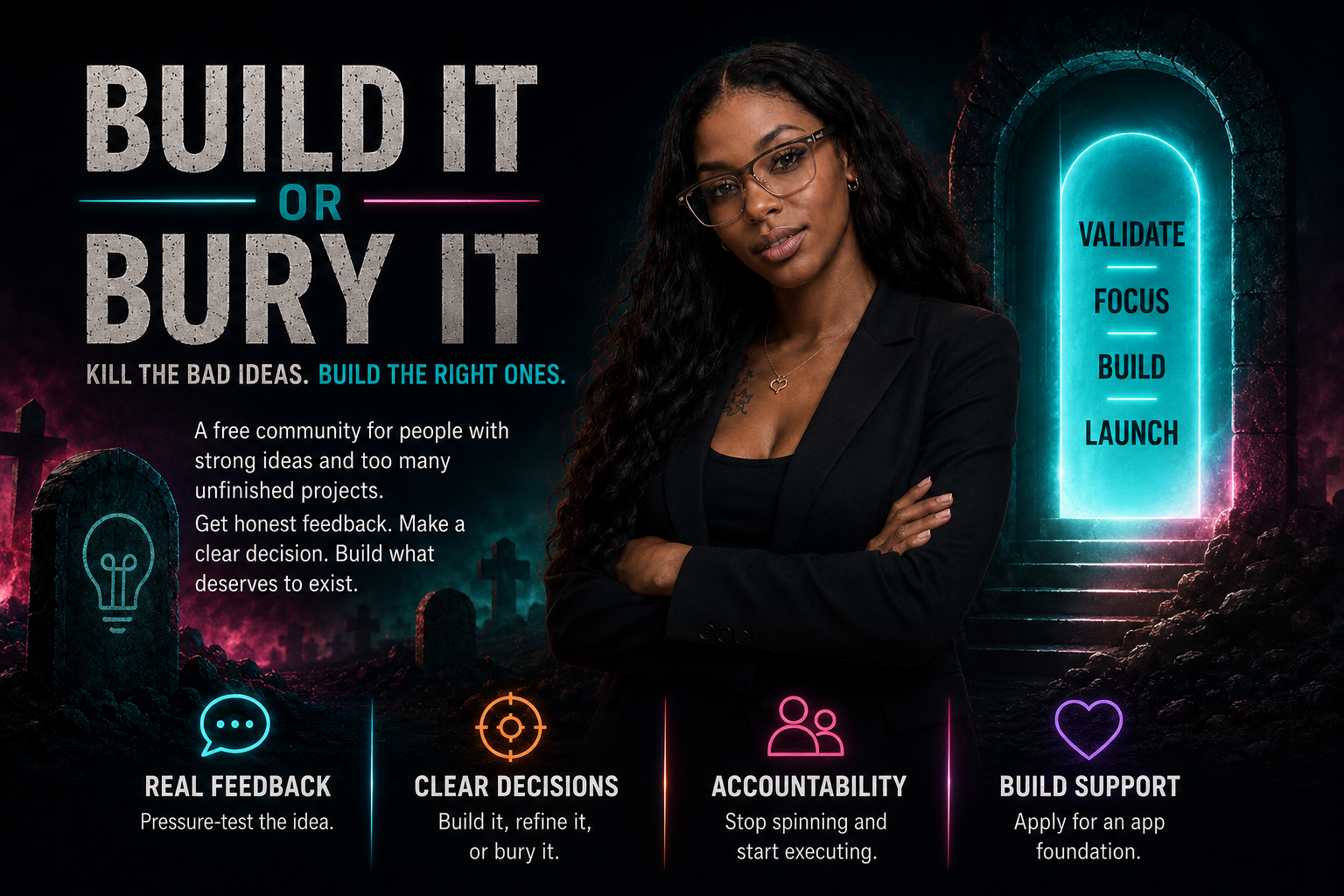
Build It or Bury It — decide whether your idea deserves to exist.
A free Skool community with one job: helping you work out whether your idea should be built now, simplified first, validated before building, or buried because the problem, audience or business model is too weak. Ideas that survive can apply for a Build Foundation.
- 01
Join Build It or Bury It
Free access to the idea validation checklist and short lessons on defining the problem and the audience.
- 02
Pressure-test the idea
Real examples of ideas I built, simplified or rejected — plus build showcases and case studies.
- 03
Get the verdict
Build it, refine it, validate it first, or bury it. An honest answer beats another month of guessing.
- 04
Apply if it survives
Qualified ideas move into the application below. Slots are limited and announced in the group.
Skool group opening soon · waitlist members get in first
Inside the free group
- Idea validation checklist
- Short lessons on problem and audience
- Ideas I built, simplified or rejected
- Build showcases and case studies
- One structured application for the foundation service
- Announcements when limited build slots open
Not inside the group
- The Master Prompt
- Command Center access
- My deterministic workflows
- Complete custom scopes or unlimited feedback
- Personal troubleshooting or a build for every member
Joining never guarantees a build. Builds stay application based.
From idea to a real Lovable project in your own workspace.
No community. No course. No prompt pack to figure out. A private build, delivered.
- 01
Create your Lovable workspace
Set up your account through my link. This is where the finished project will be transferred.
- 02
Complete the structured intake
A short, guided form that captures the product facts I need — users, core flows, and what stays out of scope.
- 03
I review and approve the foundation
I define exactly what the first version should contain, so the build stays focused on one clearly defined app.
- 04
I build it privately
The work happens inside my environment using HoldThat Systems' internal build process.
- 05
I remix it without project history
You receive a clean project — no experiments, no dead ends, no leftover chat trail.
- 06
I transfer it to your workspace
The project lands in your Lovable account. You own it from that moment on.
Exactly what you receive — and what you do not.
Included in the foundation
- A project structured around one clearly defined app
- Core pages and navigation
- Mobile responsive design
- Real empty states and functional flows
- A clean Lovable project transferred into your workspace
- The option to continue independently or hire HoldThat Systems
Not included
- HoldThat Systems' internal prompts or workflows
- Command Center access
- Unlimited revisions
- Advanced integrations
- Database configuration
- Production launch
- Ongoing technical support
The system stays private. The result is yours.
5 credits. 13+ minutes of Lovable coding. One foundation.
This is the private build process running end to end — a full app shell, navigation, data model and modules generated from one approved specification. This is the kind of foundation that gets transferred to you.
I do not improvise builds. I run a system — and I run the same one every time.
Behind every foundation is the HoldThat Master Prompt System: a framework for producing production-grade software with AI, one prompt at a time. It defines a strict template skeleton, thirty specialised templates and a governance model that enforces quality without ceremony. It is opinionated on purpose — determinism, auditability and consistency, not vibes.
- 01
Deterministic one-shot
Every template is built to produce a complete, correct artifact in a single pass. No TODOs, no half-wired screens, no “we’ll fix it next prompt”.
- 02
Fail-closed by default
Missing, ambiguous or contradictory input halts the build with a stable reason code. The system never guesses forward and never quietly invents your requirements.
- 03
Scope lock
In-scope, out-of-scope and deferred are named in writing before a single screen exists. Scope creep is treated as a violation, not a feature.
- 04
Design-locked builds
Tokens, fonts, motion and dark mode are committed up front. Generic AI defaults — the purple gradient, the same three cards, Inter everywhere — are forbidden.
- 05
Evidence-based audit
Every build is scored against a rubric and every finding must cite a specific artifact. Assertions without evidence get dropped; MEDIUM and above get fixed before transfer.
- 06
Reused on everything
Thirty specialised templates across six categories run the same spine on every project I touch — including this one. That repetition is why the output is consistent instead of lucky.
Six categories · Thirty templates
Real work uses more than one template. Build, then audit, then refine — with governance and fail-closed enforcement wrapped around all of it.
System architecture
Governance, dashboards, state transitions, CRUD and API response contracts.
Data & validation
Entities and constraints, per-field validation, import and upload pipelines.
Modules & UX
Workflows, UI rules, scoring, recommendations, follow-ups, events, onboarding.
Pricing & access
Tiers, access control and safe administrator intervention.
Governance & audit
Audit, refine, merge, split and conflict resolution passes.
Prompt operations
Agents, design specs, documentation and multi-step orchestration.
The quality bar
Nothing is transferred to you on a shrug. Findings are graded, and the grade decides whether it ships.
- CRITICALUnsafe, illegal, data-loss, or blocks the core purpose.
- HIGHMaterially degrades outcome, trust or compliance.
- MEDIUMNoticeable quality or consistency issue.
- LOWPolish. Fixed when it does not cost you a slot.
You get the result. The system stays mine.
The prompts are locked. The system is not.
The full library is a private collection of deterministic templates. It is what makes every build repeatable and auditable. Visitors do not need to see it to get the result — you get a clean, working foundation, and the methodology stays behind the scenes.
What the library governs
Architecture, data, interfaces, access, pricing, governance, audit and prompt operations. Each area gets a specific template, but the exact names and bodies are reserved for approved builds.
- System & architecture
- Data & validation
- Modules & UX
- Pricing & access
- Governance & audit
- Prompt operations
Why it stays private
The templates are the operating system. If they were public, anyone could copy the scaffolding without learning the judgement that keeps it from drifting into generic AI output. Approved clients get the result; the system remains mine.
No public catalog. No searchable directory. No exposed bodies.
One spine. Not a prompt flea market.
You have seen the offers: “300 prompts for Lovable.” A prompt for restaurants, a prompt for gyms, a prompt for dating apps, a prompt for every possible niche. That is not a build system. It is a content grab. The same one-off prompts break the moment the idea gets specific, because they were never built to govern real software decisions.
The “300 prompts” trap
- One disposable prompt for every niche
- No standard, so every output drifts in style and quality
- No scope lock, so features get invented mid-build
- No audit, so broken foundations get transferred as-is
- Built for views, not for shipping
The HoldThat Systems approach
- The same reusable workflow spine on every project
- Input changes; the standard, audit and transfer stay the same
- Scope, design and data rules are locked before the first screen
- Every foundation is scored and fixed before you ever see it
- Built to be remixed, transferred and continued by you
The difference is not more prompts. It is a governed, repeatable workflow that turns the same disciplined process into a different correct foundation every time. That is what you are buying — not a prompt, and not access to a community. A working project, built the same serious way every time.
Already built something that is breaking? That is a paid rescue, not a freebie.
Existing apps can carry broken databases, security problems, unsafe code and tangled integrations. Repair work is diagnosed and quoted before anyone touches it.
- 01
Submit the app for review
Share what it does, where it breaks, and what it is connected to.
- 02
Pay for a Build Rescue Audit
A paid diagnostic pass over the structure, data layer and access rules.
- 03
I identify what needs correction
You get a plain-language report of what is broken and what it risks.
- 04
I quote the repair
Fixed scope, fixed price. You decide whether to proceed.
- 05
I fix it privately
The repair happens in my environment, not live on your production app.
- 06
You receive a clean remix
A corrected project transferred back to your workspace without the wreckage.
Apply for a build slot.
Answer honestly and keep it short. The clearer your answers, the faster I can tell whether your app is a fit for a foundation build or a paid rescue.
Your app is built against the operating standard above — scope locked, design locked, audited before transfer. That is also why slots are limited: foundations are built 1-on-1, so only a small number open each week. Creating your workspace through my link makes you eligible to apply; it is not an automatic or unlimited build.
Your foundation is ready. Choose how far you want to go.
You can continue building independently, or HoldThat Systems can complete the functionality, connect the backend, test the system and prepare it for launch.
Option 01
Take the Foundation
You keep the clean project and continue on your own inside your Lovable workspace.
Option 02
Complete My App
I quote the remaining build — full functionality, backend, testing and a launch-ready release.
Option 03
Launch and Manage It
Paid completion plus ongoing development and support once your app is live.
Questions before you apply.
Do I get access to your build system?
No. The internal prompts, workflows and Command Center stay private. You receive the finished project, not the machine that made it.
Is every signup guaranteed a free foundation?
No. Creating a workspace through my link makes you eligible to apply. Build slots are limited each week and approved case by case.
Why do I need my own Lovable workspace first?
The finished project is transferred into your account, so it has to exist before the build starts. You own the result outright.
Can you fix the app I already started?
Yes, through Path 02. Repairs are never bundled with a signup because existing apps can hide database, security and integration problems.
Do I need to know how to code?
No. You describe the product in plain language. If you want to keep building after transfer, Lovable handles the code.
What happens if I want you to finish it?
After transfer you can request a quote to complete the functionality, connect the backend and prepare it for launch.
You bring the idea. I build the foundation.
Create your Lovable workspace, apply for a build slot, and receive a clean project you actually own.